xbmc stops working after raspbian upgrade

The precompiled binary works!

At first the screen appeared zoomed, but I read this post in Michael Gorven page:

11.0~git20121018.ff434fe-1: Upgrading to this version will probably result in the GUI resolution being zoomed as described in this forum post. To fix this edit userdata/guisettings.xml and remove the contents of the <resolutions> element.

Thanks, Michael!

xbmc stops working after raspbian update

This morning I updated raspbian and xbmc has stopped working.

I’ll try to use this binaries in order not to have to compile xbmc again:

http://michael.gorven.za.net/raspberrypi/xbmc

Let’s give it a try.

xbmc on raspberry pi

This project is relatively easy to complete. Just follow this tutorial to download and compile xbmc:

http://www.raspbian.org/RaspbianXBMC
I had to wait for 11 hours to have it compiled. After installing some plugins for spanish channels (you can find them in http://blog.tvalacarta.info/) it is completely useable.


dlna server on Raspberry Pi

This is too easy!

Just do:

# apt-get install minidlna

And then edit /etc/minidlna.conf. Look for the line:

media_dir=

(probably line 26)

And write there the directory of your choice. Then:

# /etc/init.d/minidlna force-reload

And it should work (if you have a dlna client, of course). In my case, I have a Samsung TV with a RJ45 interface, capable of discovering DLNA servers on the network.

You can also have different directories for Music, Movies and Pictures, I recommend to read the manual of minidlna.conf:

$ man minidlna.conf

I have to say that the performance of RPi so far is quite good, I am watching a video perfectly while compiling Quake3 (my next task).

First boot

It works (boots) and now I am configuring the OS from the startup menu. I have seen that you can expand the file system to the entire sd card, so part of the previous post can be done without using fdisk and another computer.

I have plugged a wireless receiver for keyboard and mouse to one of the usb plugs and it works, at least the keyboard. It consumes only 100mA, so I have decided not to use the hub.

Let’s go on.

First task: format a 16Gb SD card

Yesterday I bought a 16Gb SDHC memory card, and I will try to boot the Raspberry Pi from it.

The image I downloaded from http://www.raspberrypi.org contains a boot partition with several executable files and a partition with a “raspbian” OS (a debian flavour linux distribution). The  boot partition is a FAT partition, and the OS partition contains an ext4 filesystem with the OS deployed in it.

I did a:

# dd if=2012-07-15-wheezy-raspbian.img of=/dev/mmcblk0 bs=1M

As can be seen, the dd is done on the hard disk device file, not on a single partition, so it is going to create a new partition table at the begining of the card, erasing the previous one.

After completing the “dd”:

# fdisk -l /dev/mmcblk0
Disk /dev/mmcblk0: 15.9 GB, 15931539456 bytes
4 heads, 16 sectors/track, 486192 cylinders, 31116288 sectores en total
Units = sectores of 1 * 512 = 512 bytes
Sector size (logical/physical): 512 bytes / 512 bytes
I/O size (minimum/optimal): 512 bytes / 512 bytes
Identificador del disco: 0x000714e9

Disposit. Inicio    Comienzo      Fin      Bloques  Id  Sistema
/dev/mmcblk0p1            8192      122879       57344    c  W95 FAT32 (LBA)
/dev/mmcblk0p2          122880     3788799     1832960   83  Linux
If you sum the blocks, only 2Gb are used, so we need to expand the OS partition to use the complete memory card. I would like to have a swap partition also, because the Raspberry Pi has only 256Mb.

In the WrightRocket blog I found this useful tutorial for doing so:

http://wrightrocket.blogspot.com.es/2012/06/bigger-slice-of-raspberry-pi.html

In it , you can grab a python script for calculating starting and finishing sectors for partitions (including a swap one),  and how to resize the filesystem. After doing so, you can mount the ext4 partition and edit /etc/fstab to activate the swap partition.

After the whole operation, this is how the partition table looks like:

# fdisk -l /dev/mmcblk0

Disk /dev/mmcblk0: 15.9 GB, 15931539456 bytes
4 heads, 16 sectors/track, 486192 cylinders, 31116288 sectores en total
Units = sectores of 1 * 512 = 512 bytes
Sector size (logical/physical): 512 bytes / 512 bytes
I/O size (minimum/optimal): 512 bytes / 512 bytes
Identificador del disco: 0x000714e9

Disposit. Inicio    Comienzo      Fin      Bloques  Id  Sistema
/dev/mmcblk0p1   *        8192      122879       57344    c  W95 FAT32 (LBA)
/dev/mmcblk0p2          122880    30331901    15104511   83  Linux
/dev/mmcblk0p3        30331902    31116286      392192+  82  Linux swap / Solaris

Ready to boot, hopefully. Well, before booting I will connect several things to it.


Raspberry Pi in my mailbox

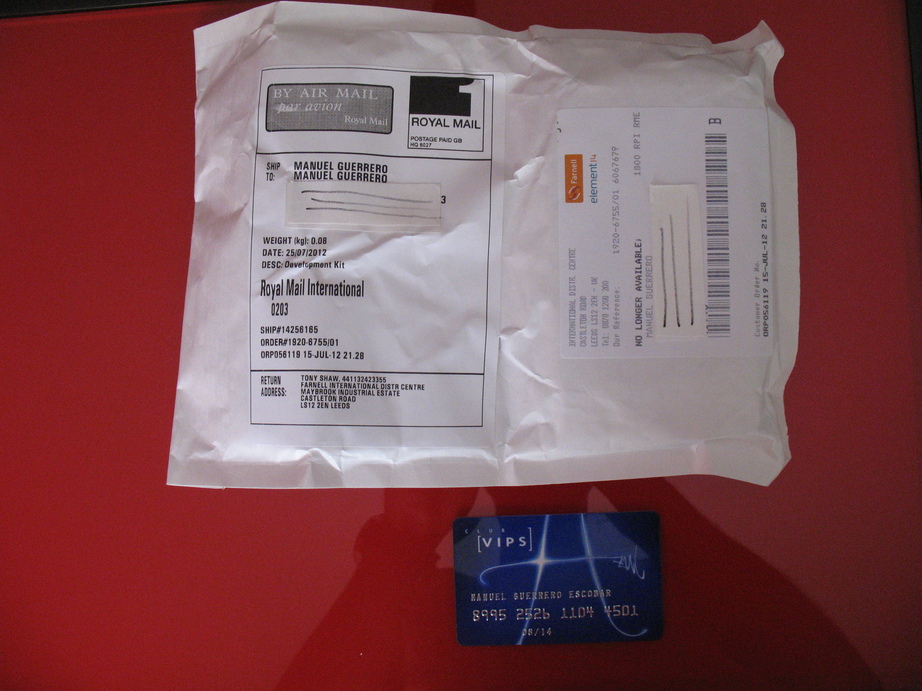
This afternoon, when I arrived from work, a little envelope was inside my mailbox.

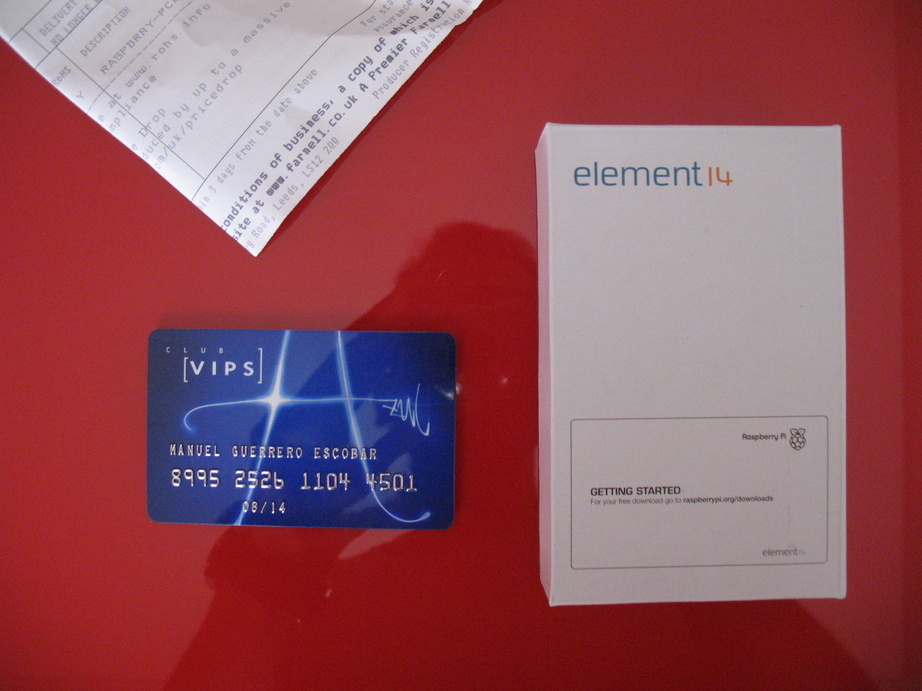
Inside the envelope, the box:

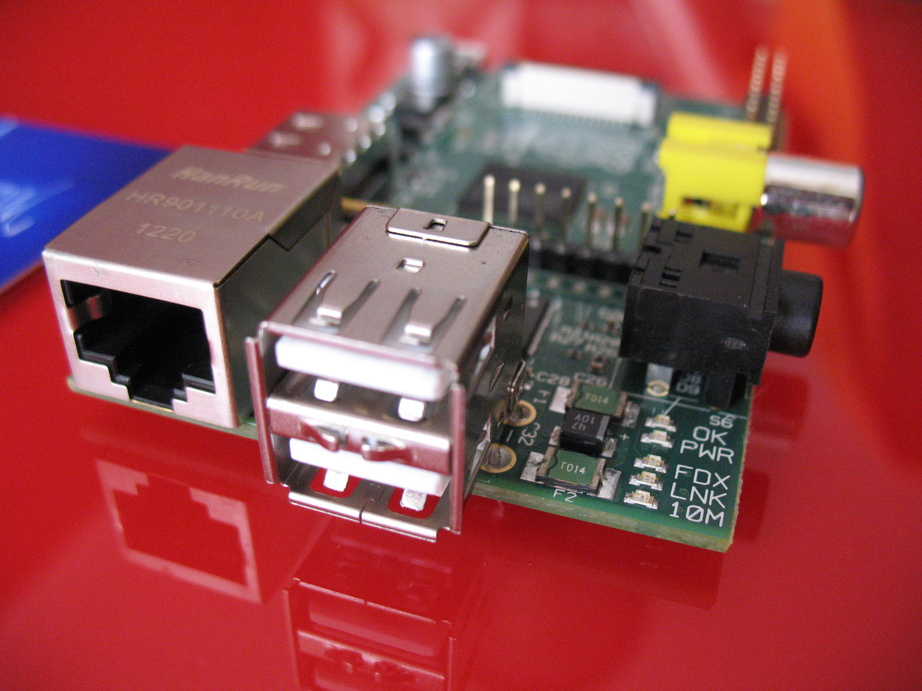
And then, the little Raspberry Pi:

This slideshow requires JavaScript.

Very fast delivery, I was waiting the item since June 25th (last thursday, it is tuesday).
It is really credit card sized, and seems to be very well built. Let’s start working on it.


Cost of a Raspberry Pi based basic computer

This afternoon I bought an SD memory card (16Gb) and a USB Hub that can be fed using a miniUSB charger. So, up to this point, the total cost of my Raspberry Pi based basic computer is:

  • Raspberry Pi card:              41,89€
  • 16 Gb SDHC SanDisk card: 11.01€
  • NGS HUB 4 ports:               9.31€

Total: 62.21€

I already have a HDMI cable, a wireless keyboard and mouse that can be connected to an USB port (just one port), a TV set, and two USB chargers that can be used in this project.


miniDLNA on Raspberry Pi

For the easiest of my candidate projects (dlna server), I found this post: http://www.raspberrypi.org/phpBB3/viewtopic.php?f=35&t=8607

I have already installed, configured and used successfully minidlna on OpenSuSE, until I installed serviio, much more friendly and with some additional features, like video streaming for instance.

There is a general forum for Media and Games on Raspberry Pi:

http://www.raspberrypi.org/phpBB3/viewforum.php?f=35&sid=a3b9556af4eb80efa383f55bd59552e5

I have just downloaded Raspbian and will try to boot the Raspberry Pi from an 4Gb SD card with the image. The uncompressed size of the image is 1.8Gb, so unfortunately I will not use one of the several 1Gb unused SD cards I have. I want to make it as cheap as I can, It will be more in line with the Raspberry Pi spirit, with the spirit of my blog and with the spirit of my wallet.


I have been not…

I have been notified by Farnell that my Raspberry Pi is on its way. The email was dated on June 25th and they say that I will have to wait for 5 days (I’m spanish).

Let’s see, and let’s get prepared.